

PITCH WITHOUT THE ICK
Recap, replay, and pitch deck resources
Most creatives hate “selling themselves” — but you still need to talk about your work clearly enough that people understand why it matters.
If you couldn’t make it live (or want to re-watch, pause, and take notes), here’s the recording. The link will only be live for a few days, so catch it while it’s fresh:
What we covered in the workshop
We spent the session breaking pitching down into something much more practical:
Shifting from “selling yourself” to simply showing the value of your work
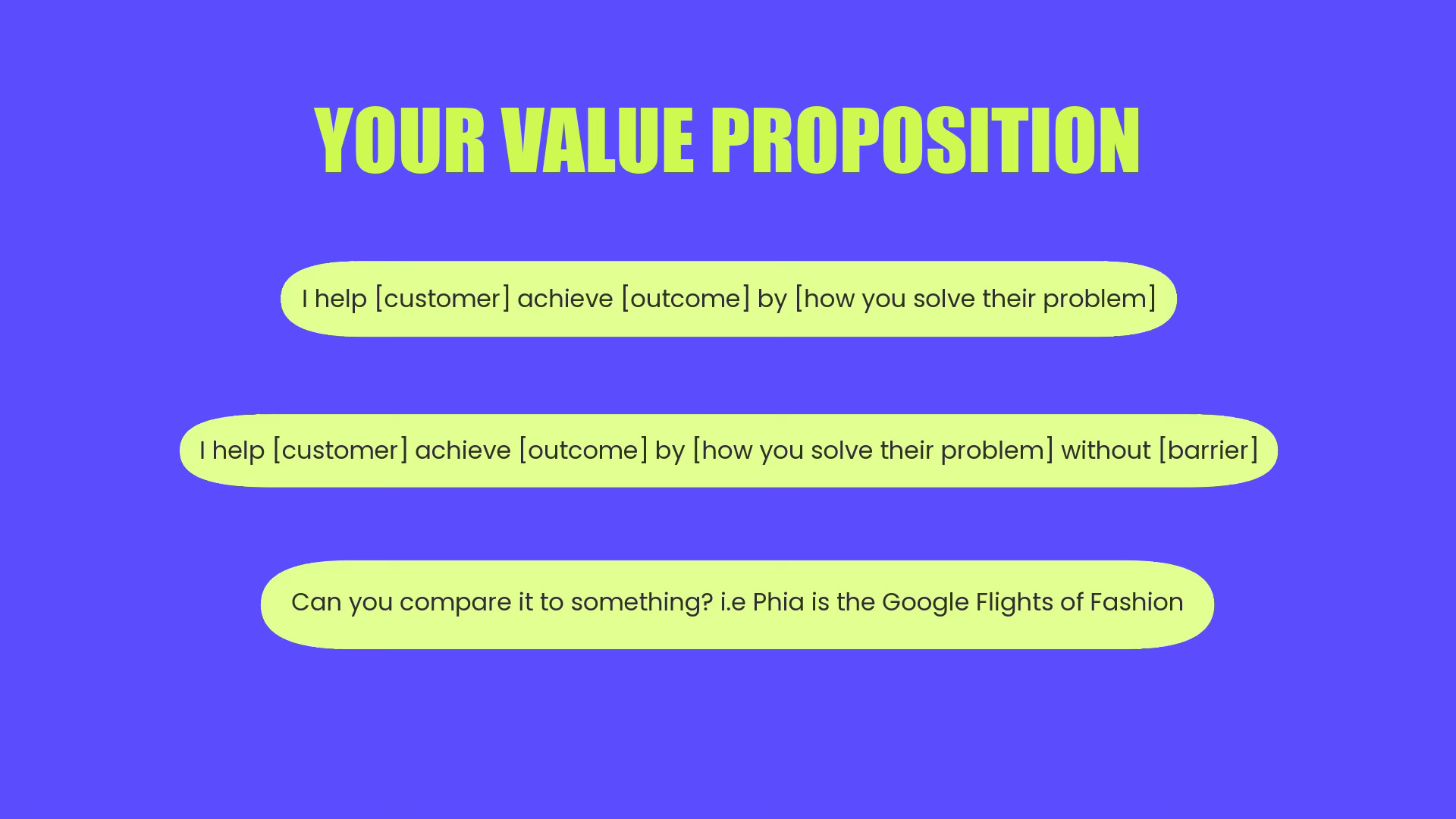
Getting really concrete about three things: what you do, who it’s for, and why it matters now.
Building a flexible core pitch you can reuse across situations — intros, emails, conversations, applications, and decks.
Framing your pitch as an invitation into a relationship (collaboration, funding, commissions, mentoring, press) rather than a one-off ask.
Turning this into a pitch deck with Adobe Express
During the session, we talked about using Adobe Express to turn your pitch into a deck without getting stuck on design.
Adobe’s presentation maker lets you start from a short prompt or from existing files (docs, PDFs, older decks, and more) and turns them into an outline and set of editable slides, which you can then customise in the editor.
You can review and tweak that outline before you generate the full presentation, adjust slide count and style, then update colours, fonts, and layouts.
Get your story straight first
Write a short paragraph that includes: who you are, what you do, your audience, and what you’re pitching for (funding, commission, partnership, etc.) This can be added into your input.Feed Express your materials
Use the AI presentation maker and either type your prompt or upload existing material (notes, a proposal, a previous deck, or other documents) so it can build an outline around what you already have. This is especially helpful if you’ve got lots of bits and pieces scattered across different files.Choose a template that feels like you
Once you’re in the editor, browse the presentation and pitch deck templates and select one that fits your tone.Edit the outline before you generate slides
When Express generates an outline, use that moment to bring it back to your own voice and style. Keep slides simple: one idea per slide.Show who you are
Concrete examples of your work and images/ videos when needed
Real numbers (audience sizes, ticket sales, budgets, outcomes)
Names of collaborators, partners, or venues
Add visuals without overthinking design
Adobe Express includes tools to generate or edit images, plus access to templates, icons, and layout tools you can drag and drop. Use the brand kit to keep consistent colours and type throughout the deck.
A simple framework you can start from:
Title — who you are / project name
The context or problem
What you do / your idea
Why now / why it matters
Examples or proof (work, audience, results)
What you’re asking for
What happens next / how to contact you
Links from the session
Here are the resources people asked about during the workshop:
Your Guide to Networking Events — templates, scripts etc
LinkedIn Guide x Adobe Express — step-by-step ideas to make LinkedIn work